



FLUORESCENCE IMMUNOASSAY ANALYZER
|
|
| 24600 | |
| 1 pc | |
| 1 | |
| IVD - Professional Use | |
| A |
| 2913450 | |
| W0201020201 | |
| 6936983107488 | |
| 987298635 | |



FLUORESCENCE IMMUNOASSAY ANALYZER
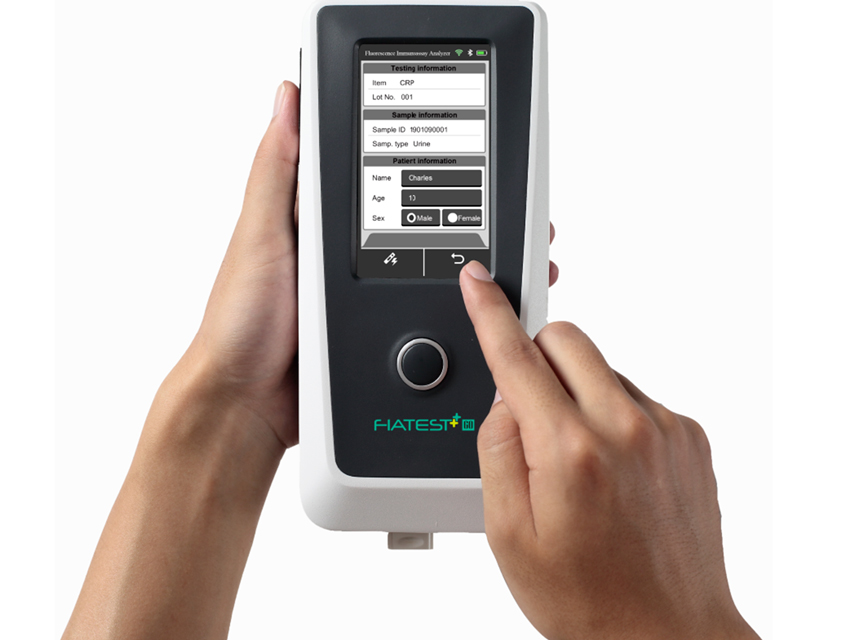
Fluorescence Immunoassay Analyzer is an analyzer based on detection of fluorescence emitted during an immunoassay with antigen-antibody interaction.
The analyzer is designed to provide quantitative or qualitative test results by the examination of human samples with specific in vitro diagnostic test units.
It offers advantages of high accuracy, strong stability and fast results.
Tests can be analyzed choosing between Quick Test mode or Standard Test mode.
Quick Test mode
Incubation of the test cassette is done outside the analyzer.
It is also called “Batch mode” as multiple tests can be done in one batch, without waiting for finishing incubation of one test after another.
Standard Test mode
Incubation of the test cassette is done inside the analyzer. It is also called “Single Test mode”, once the cassette is loaded after sample addition, a countdown starts and the user can walk away because the results will be automatically available after incubation period.
The analyzer requires the external software download, that allows to upload and save test records on Windows-based system PCs, if connected with USB cable.
For professional laboratories only.
Internal software in GB, FR, IT, ES, PT, DE switchable by users.
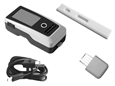
Supplied with QC ID Card, QC standard cassette, built-in battery, USB cable and multilingual manual (GB, IT).
Analyzer Technical Specifications
Principle: Fluorescence immunoassay
Test format: cassette
Specimen: urine/plasma/serum/whole blood/swab
Detection type: quantitative or qualitative
Reading time: < 10 seconds
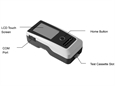
Display: 4.3" LCD touch screen
Memory: 4000 records
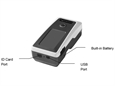
Connectivity: RS232, USB port, Bluetooth
Compatibility: Windows-compatible proprietary program
Built-in battery: rechargeable Li-ion battery NCR 18650B (MH12210)
Charging time: 3-8 hours
Power source: 2*3400 mAh
Size: 220x100x75 mm
Weight: < 1.5 kg
Hardware and software requirements
Minimum hardware requirements: Intel Pentium IV 1.0 GB processor, 1.0 GB memory, 10 GB space on hard drive
Minimum software requirements: Microsoft Windows XP, Windows 7, Microsoft Excel 2007 or newer versions